Bring back people who stopped opening your app
A segment finds people whose last session was a while ago. A journey sends a push, waits to see whether they return, and stops the moment they do.
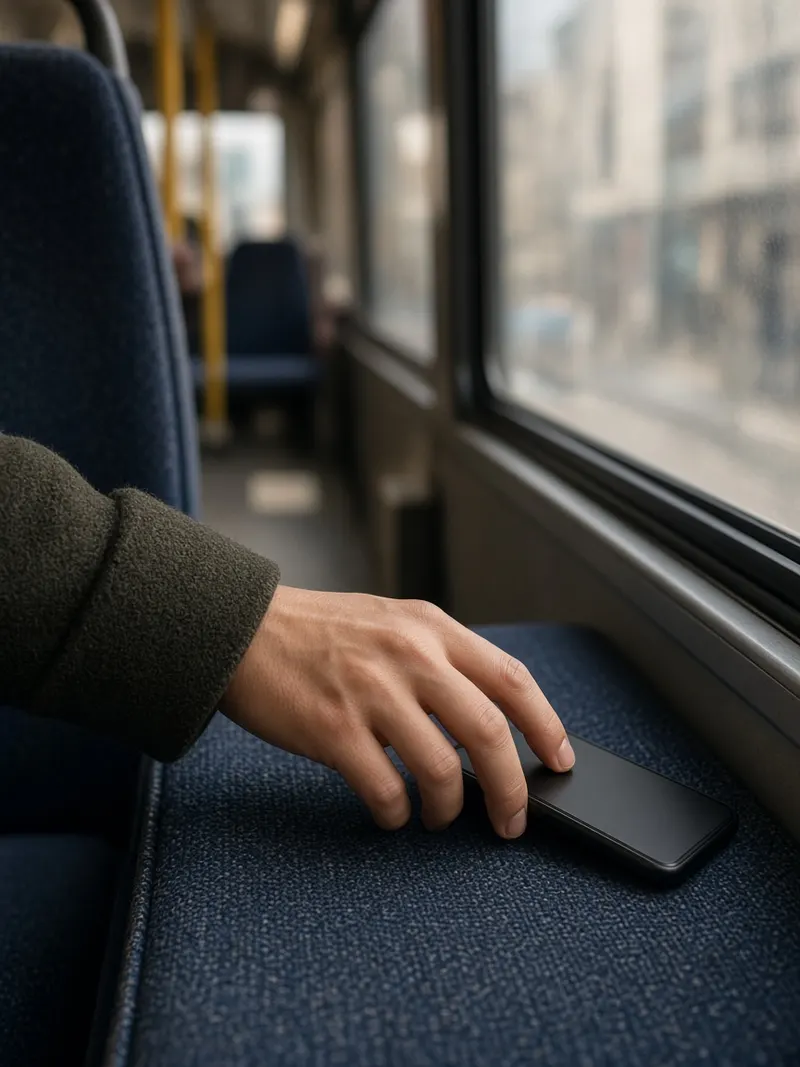
They have not opened the app in weeks.
A segment on last session finds them.
They stopped opening the app
Every app has users who installed it, used it for a while, and drifted away. They are still reachable, but not with the message you send to active users.
Messaging them too often finishes the job, and they switch notifications off. The message should stop as soon as they return.
Who this is for: Apps with repeat users: shops, media, games, and subscription products.
How it works
Starts whenA person matches your lapsed-users segment
- 1
Find the people who lapsed
Build a segment with the Last session filter, for example more than 30 days ago, and narrow it by device or language if you like.
- 2
Send one message and wait
A journey enters people from the segment, sends a push, then waits until they do a named event, with a timeout.
- 3
Stop when they return
An exit event takes a person out of the journey as soon as it is recorded. A daily limit and quiet hours keep the path polite.
The result: A short, polite path that reaches lapsed users and stops when they come back.
Before and after
The same blast, again and again
- Every user gets the same reminder, active or not.
- Nothing stops the messages when someone returns.
- People who tire of it switch notifications off.
A path that stops
- Only people who lapsed enter the journey.
- It waits to see whether they come back.
- An exit event ends it when they do.
See it work
Step through the path and see what each step does for a lapsed user.
Step:
- Last session
- is more than 30 days ago
- Entry
- Segment, continuously
More detail in the Segments guide. These are sample values.
What you use
Find who lapsed
A segment on the Last session filter, with device, country, and language if you need them.
Wait for them to return
A journey waits until a named event, with a timeout, and an exit event ends it when they come back.
A limit per person
Frequency capping skips anyone who has already received the maximum in the window you set.
Good to know
- Custom events and journeys depend on your plan. The Pricing page lists which plans include them.
- PushFyre cannot message a person who turned notifications off or removed the app.
- Up to 25 journeys can be live in one app.
- Quiet hours hold a message that comes due inside the window until the window ends.
Related

Offers and promotions
Reach the right people, and stop there
User onboarding
Guide new users through their first days

Ecommerce push notifications
Offers, win-back, and order status
Keep reading
Questions
How do I find people who stopped opening the app?+
Build a segment with the Last session filter, such as more than 30 days ago. You can narrow it by device type, country, or language.
Does the journey stop when someone returns?+
Yes, if you set an exit event. The person leaves the journey when that event is recorded.
How often will one person hear from me?+
A journey sends up to 3 messages a day to one person by default. You can change that. Frequency capping can also skip anyone who has already received the maximum in the window you set.
Create an account, build a lapsed-users segment, and start your first journey.