Update a price, a score, or a clock in place
A market, a match, a fare, or a ticket sends one Live Activity and replaces it as the number changes. The countdown clock runs on the phone after you send the end time once.
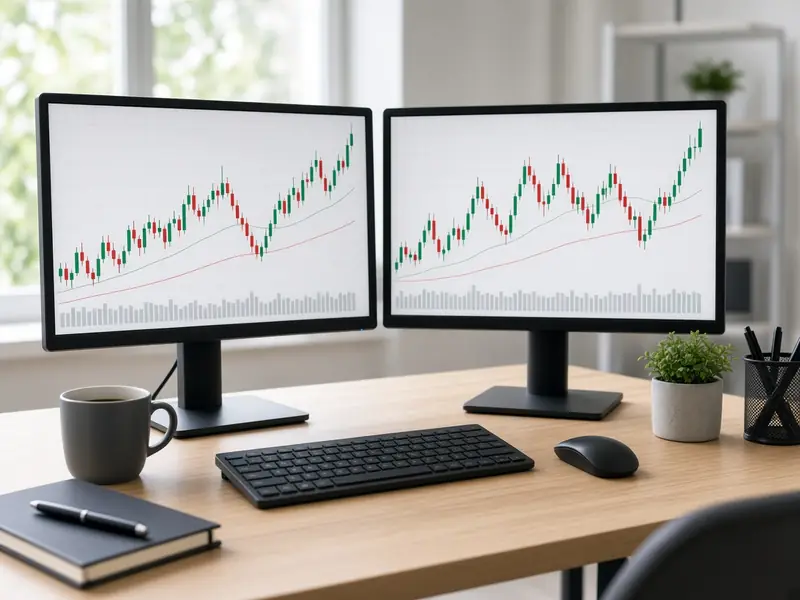
They open the app just to check the number.
The same card updates. A new alert is not stacked on top.
They keep opening the app to check the number
A price moves, a match changes, a sale clock runs. People open the app again and again just to see the latest number.
A new notification for every change fills the lock screen with old numbers. One card that updates is easier to follow.
Who this is for: Market and trading apps, sports and gaming apps, travel and ticketing, and teams running a sale or launch countdown.

How it works
Starts whenThe number changes in your system
- 1
Start one activity
Your server starts a Live Activity with a layout: price, score, countdown, or pass.
- 2
Send the next number
On each change, send the new value. Rapid updates collapse into the latest state.
- 3
Let it end
End the activity when the match or the sale is over. PushFyre ends it after 8 hours.
The result: One card on the lock screen that always shows the latest price, score, or time left.
Before and after
A new alert for every change
- Each price or score arrives as its own notification.
- The lock screen fills up with numbers that are already old.
- People open the app to see where it stands.
One card, always current
- The same card shows the latest value.
- A countdown runs on the phone after you send the end time once.
- Rapid updates collapse into the latest state.
See it work
Pick a layout and see the request your server sends and the card it creates.
Start a
{
  "activityKey": "quote-reliance",
  "layout": "price",
  "audience": "user",
  "externalUserId": "user-1",
  "state": {
    "name": "RELIANCE",
    "value": "2,846.30",
    "change": "+39.40",
    "changePercent": "+1.4%"
  }
}More detail in the Live Activities guide. These are sample values.
What you use
Price, score, countdown, or pass
A quote or a fare, two scores, an end time, or a code on a ticket.
Phones and browsers
iPhone can use the lock screen. Android shows an ongoing notification. The web notification is replaced in place.
Send the next number
Your server updates the activity. Rapid updates collapse into the latest state.
Good to know
- Live Activities are available on every plan, and there is no limit on how many you run.
- A Live Activity uses one built-in layout, or a dynamic layout of text, images and buttons.
- An activity ends after 8 hours. Apple and Google can delay or drop updates.
- iOS needs the widget extension. Android has no Dynamic Island. The web has no lock-screen widget.
Related
Sports, tickets, and events
A score, a code, or a start time
Order and delivery updates
One status that changes in place

Food, grocery, and delivery
From accepted to delivered, in one place
Keep reading
Questions
What can this page send?+
A price, a score, a countdown, or a pass. Delivery and steps are a separate use case for orders.
Does the countdown need an update every second?+
No. You send the end time once. The clock runs on the phone.
How long does the activity stay up?+
An activity ends after 8 hours, or sooner when you end it. People who have turned notifications off receive nothing.
Create an account, add the SDK, and start your first activity from your server.