WhatsApp messages from the number your business already owns
Connect a WhatsApp Business Account that your company pays for in Meta Business Manager. PushFyre sends approved templates to people who gave their phone number and agreed to WhatsApp messages. Meta bills that account, not PushFyre.
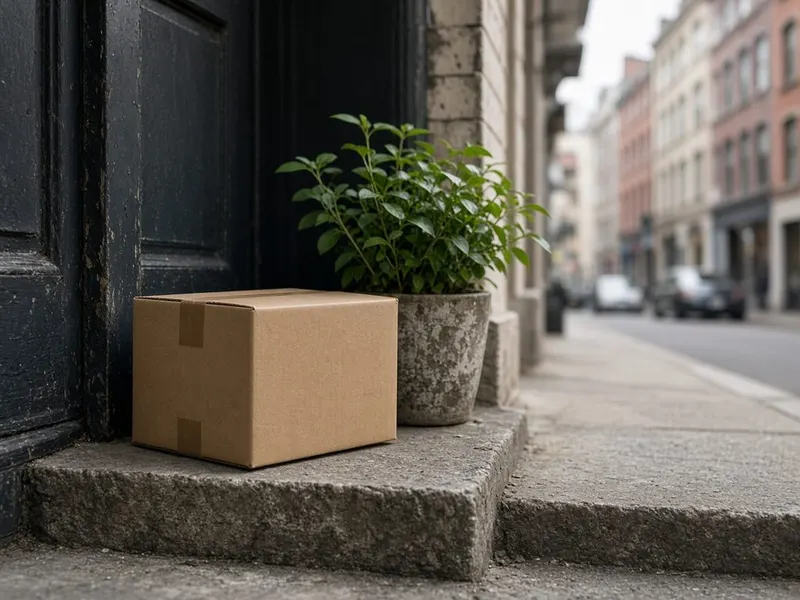
Your pickup is outside. The car is at the main entrance.
What you get with WhatsApp
Opt-in
Opt-in phone numbers
Android and iOS can save a phone number only after the person agrees. A campaign reaches those numbers and no one else.
Send messages to +91 98••••21 only if this person agrees. A push token alone is not enough.
Meta bills that account. PushFyre stores the token and sends with it.
The switch stays off until the organization has an active WhatsApp plan and a saved WhatsApp account. A confirmed push is not sent again on WhatsApp.
Your account, your bill
You add the payment method in Meta Business Manager. PushFyre stores an access token and sends with it. PushFyre does not put these messages on its own Meta bill.
Approved templates
Campaigns use a template you already approved in WhatsApp Manager. The composer fills the template variables.
Delivery and read status
Meta reports sent, delivered, read, and failed. Read shows up as opened on the campaign.
Undelivered pushes
When a push is not confirmed, that device can be sent an approved WhatsApp template immediately. The switch stays off until the organization has an active WhatsApp plan and a saved WhatsApp account. A confirmed push is not sent again on WhatsApp.
How it works
- 1
Connect the number
In Settings, save the WhatsApp Business Account ID, phone number ID, and a permanent access token.
- 2
Ask for the phone number
When someone subscribes in your Android or iOS app, ask for their number and call setWhatsAppPhone only if they agree.
- 3
Send a template
Pick the template, fill the variables, and send. Sync templates from Meta if you do not want to type the name.
Where teams use this

Questions
Does PushFyre pay Meta for these messages?
No. Meta bills the WhatsApp Business Account you connect. You add a payment method in Meta Business Manager. PushFyre does not attach its own credit line.
Who can receive a WhatsApp message?
Only a person who subscribed in your Android or iOS app and agreed to WhatsApp messages at a phone number your app sent to PushFyre. A push token alone is not enough.
Can I send any text?
No. Outside the conversation window WhatsApp accepts an approved template. You create and submit that template in WhatsApp Manager, then select it in PushFyre.
Can an undelivered push go out on WhatsApp?
When a push is not confirmed, that device can be sent an approved WhatsApp template immediately. The switch stays off until the organization has an active WhatsApp plan and a saved WhatsApp account. A confirmed push is not sent again on WhatsApp.
Ready to start sending?
Connect the WhatsApp Business Account your company pays for, then send an approved template to people who agreed.