Ask while they are already in your app
Show a banner or a question inside the Android app, iOS app, or website. A widget collects a choice, a score, or a code. It does not collect a name, an email address, a phone number, or a payment.
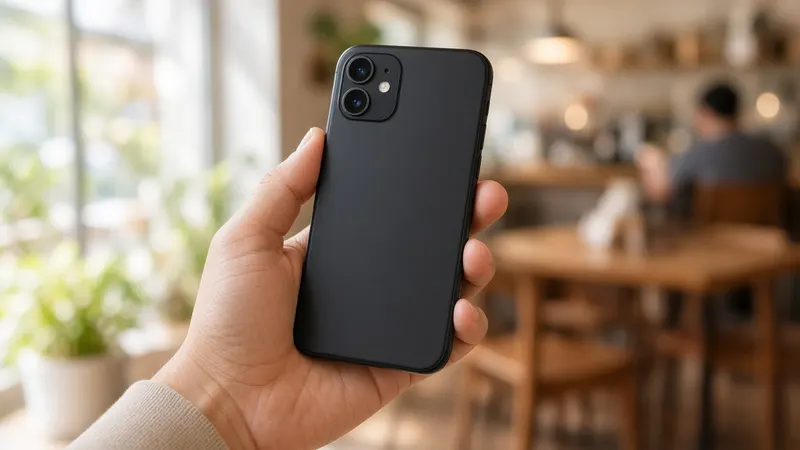
A survey tomorrow is already too late.
Ask while they are still in the app.
A survey tomorrow is already too late
An email survey arrives after the moment has passed, and people have to leave what they are doing to answer it.
Asking inside the app catches them while it is fresh, as long as the question is short and asks for nothing personal.
Who this is for: Apps and sites that want a quick answer from someone who is already using them: a rating, a poll vote, a yes or no.
How it works
Starts whenThe person does something in your app, such as finishing checkout
- 1
Name the moment
Your app calls PushFyre.trigger with an event name, such as checkout_done, when it happens.
- 2
Attach a message
In the portal, pick a format (banner, modal, bottom sheet, full screen, image, or carousel) or a widget (poll, feedback, yes or no, quiz), and choose that event as the trigger.
- 3
Collect the answer
The person answers without leaving the app. A widget collects a choice, a score, or a code, and nothing personal.
The result: A one-tap question at the right moment, answered without leaving the app.
Before and after
A survey in the inbox
- The question arrives long after the moment.
- The person has to leave the app to answer.
- Answers depend on them remembering.
A question in the moment
- It appears right after the event you choose.
- One tap to answer: a choice, a score, or a code.
- Nothing personal is collected.
See it work
Choose a question and see how it looks in the app after the event.
Ask a
PushFyre.trigger("checkout_done")More detail in the In-app messages guide. These are sample values.
What you use
Six message formats
Banner, modal, bottom sheet, full screen, image, and carousel.
A question on the same channel
Poll, feedback, yes or no, quiz, and the other widgets. Audience and schedule stay the same.
Show it on an event
Fire a named event from the app and show the message you attached to that name.
Good to know
- Interactive widgets are on every plan. The original six formats stay available as well.
- A widget collects a choice, a score, or a code. It does not collect a name, an email address, a phone number, or a payment.
- Interactive widgets are on every plan. The original six formats remain available as well.
- Answering a widget needs an app build that includes the widget SDK. Older apps still receive the original six formats.
Related

Offers and promotions
Reach the right people, and stop there

Ecommerce push notifications
Offers, win-back, and order status
User onboarding
Guide new users through their first days
Keep reading
Questions
What can a widget collect?+
A widget collects a choice, a score, or a code. It does not collect a name, an email address, a phone number, or a payment.
Do older apps show a widget?+
Answering needs the widget SDK. Older apps still get banners, modals, and the other original formats, and they do not show a widget.
Which plans include widgets?+
Interactive widgets are on every plan. If a plan does not include them, the editor stays open and asks you to choose a plan. The original six formats stay available.
Create an account, add the SDK, and show your first in-app question after an event.